For lawyers & legal
A client sits down and lays out the dispute. You need a record accurate enough for the file, and their account cannot go to a cloud service. Here is how lawyers keep a word-for-word note of each conversation without any of it leaving the phone.
A first meeting where the client finally lays out the dispute. An interview where you take down instructions so the file reads right later. A witness you are preparing before a hearing, whose account has to be recorded exactly as it was given. Legal work turns on conversations like these, and each one needs a record that stays between you and the client.
The convenient way to capture a conversation is a cloud AI notetaker, and for privileged work it is usually the one you cannot use. It uploads the recording to run it, which puts the conversation on a third-party server the client never agreed to. So you fall back to typing while the client talks, or reconstructing the instructions from memory once they have left. Both cost you the detail that has to be right in the file.
Fieldnoter runs the whole job on the iPhone in your pocket. It records, tells the speakers apart, and drafts a summary, with no account and no server that could receive the audio. It will not join a video call as a bot, and there is no shared dashboard for anyone to log into. It keeps a clean, private record of each matter and hands nothing to a third party.
The workflow
The same recording carries you from taking instructions to filing the note, without a login or an upload anywhere in between.
01 / Before
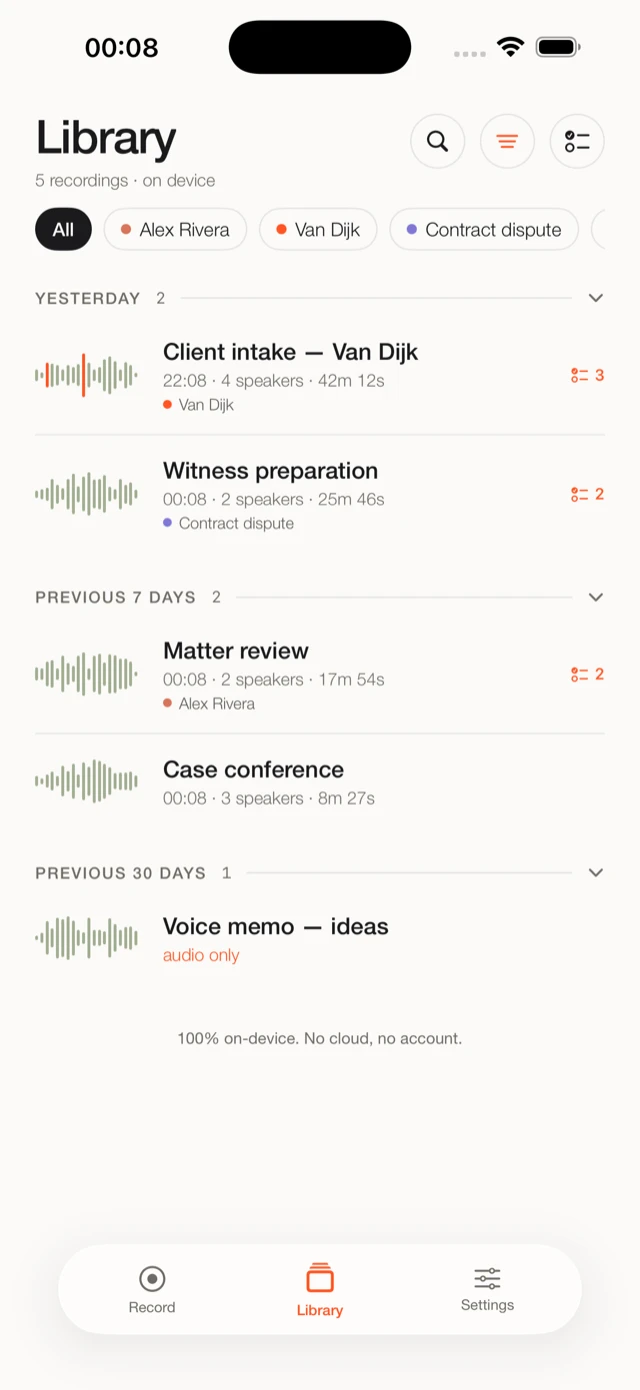
Open the client, and last month's session is right there. Recordings sit under a client and a matter, and the prep brief pulls from your earlier transcripts, so you go into the meeting knowing what was said last time and which questions are still open.
02 / During
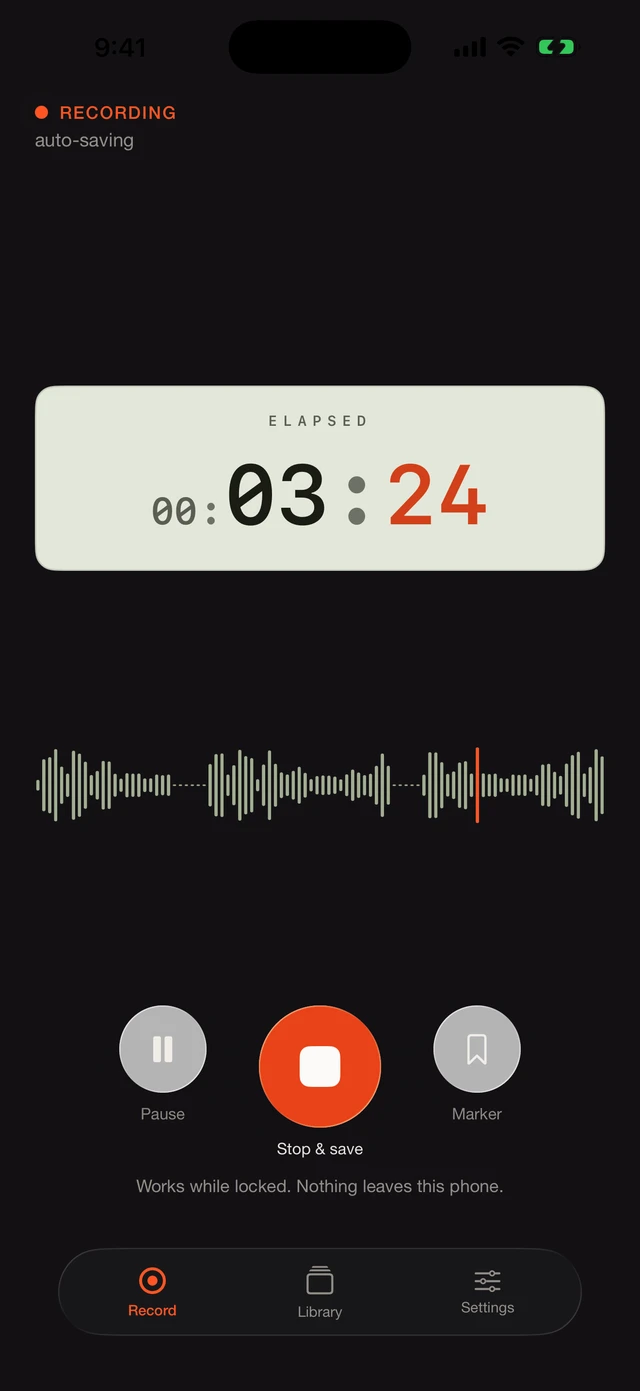
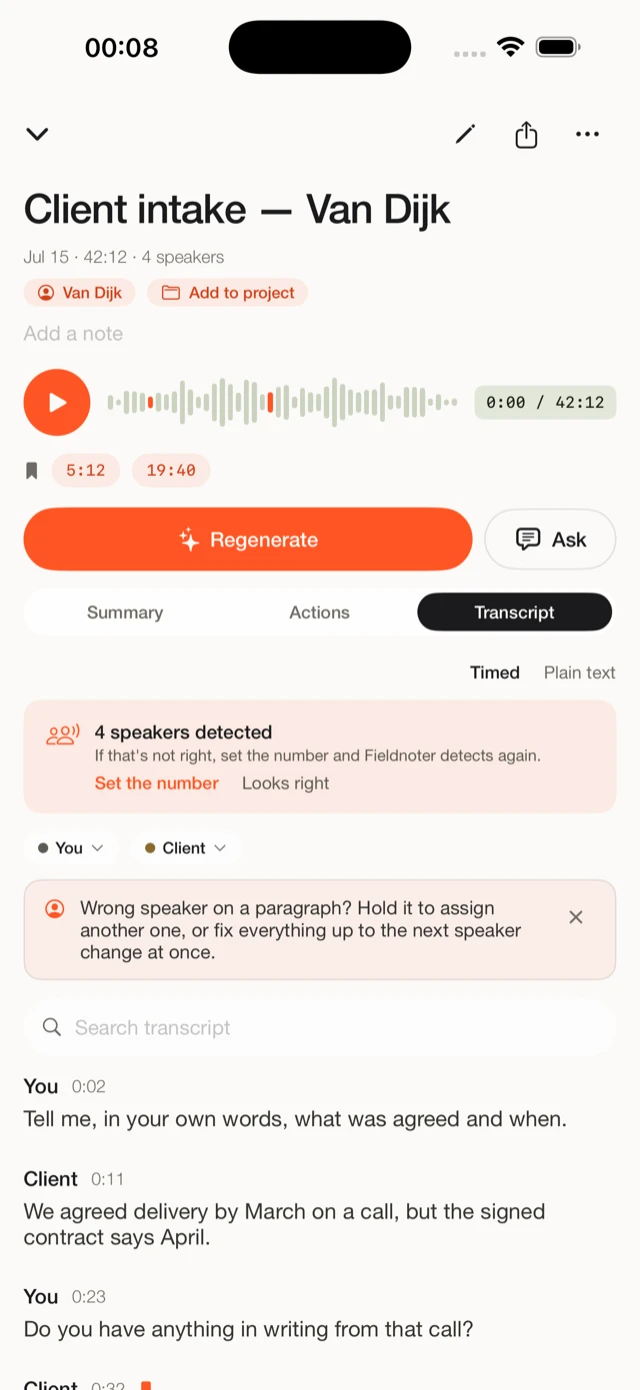
Start recording and put the phone down. When the client sets out the dispute, or when two people in the room give different accounts of the same event, you need to know afterwards who said what. Fieldnoter keeps the voices apart and labels each one, so an instruction stays tied to the person who gave it.
03 / After
The transcript comes back with speaker labels and a summary. Because each voice is named, the instructions read back against the person who gave them, so you are not rebuilding the meeting from memory a week later. Export the note straight into the matter file in the format you keep.
Why privilege and the cloud do not mix
Legal professional privilege and client confidentiality rest on the conversation staying between you and the client. Upload that recording to a cloud transcription service and it now sits on someone else's infrastructure, usually abroad, under a contract the client never signed. For a regulated matter, or a client whose account you have promised to keep contained, that is where the conversation ends.
An on-device app takes the question off the table rather than answering it. Fieldnoter has no server that could receive the audio, so there is no processor for the client to vet and no transfer for anyone to justify. When someone asks where the recording goes, you can say it stays on the phone and prove it on the spot: put the device in airplane mode and record anyway. This is not legal advice, and recording a person still falls under your own professional rules and the consent you need to obtain.
When you need that in writing, the guide on GDPR and meeting transcription covers processors, transfers, and where an on-device app lands. For the technical side, the fact sheet for IT and security teams sets out the data flows and network behavior on a single page you can hand over.
The short version
Fieldnoter has no server that could receive your audio. The recording, the transcript, and the note live only on your iPhone. Delete a recording and it is gone. Delete the app and it all goes with it.
Questions lawyers ask
That sits with you, not the app. Recording a person falls under your own professional rules and the consent you need from them, so raise it in the room before you start. What Fieldnoter changes is the technical side: it uploads nothing, so there is no cloud service for the client's account to pass through.
The transcript stays on your phone, so the tool discloses nothing on its own. Whether you produce it is your decision under the rules on disclosure, the same as any other note you hold. Fieldnoter keeps no copy on a server you cannot reach.
Yes. After a one-time model download when you first set up the app, everything runs on the device. You can record and transcribe a full meeting with no connection at all, which also proves nothing is being sent anywhere.
Yes. Recordings sit under a client and a matter, and a prep brief pulls from your earlier sessions with that client. You can also put Face ID in front of the whole app so a transcript is not open to anyone who picks up the phone.
The summary and the speaker-labeled transcript are ready to paste, and you can export the full transcript as TXT, SRT, VTT, JSON, or CSV to drop into the file, a letter, or an attendance note.
Read next
Processors, data transfers, and where an on-device app sits in that picture.
Guide7 minHow to keep a sensitive conversation off the cloud from recording to export.
Fact sheet4 minData flows and network behavior on a single page that prints to A4.